Now on iPhone

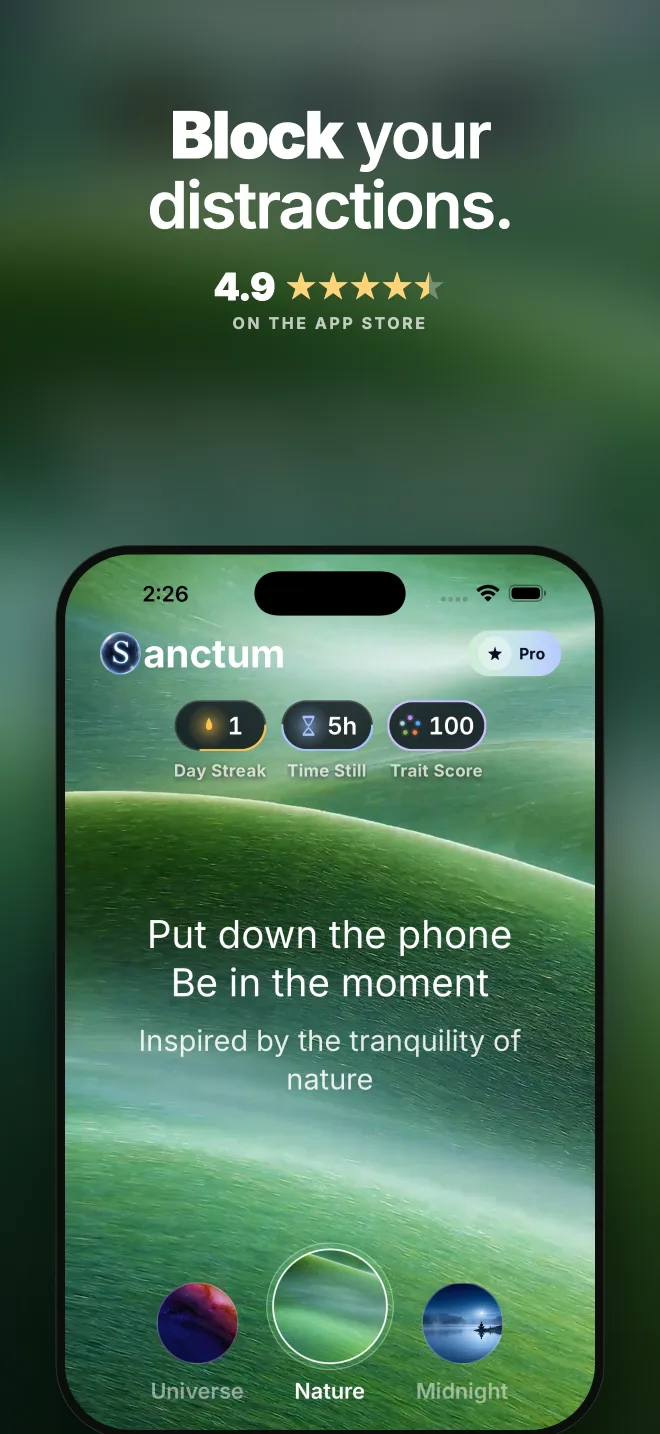
Put down the phone.
Be in the moment.
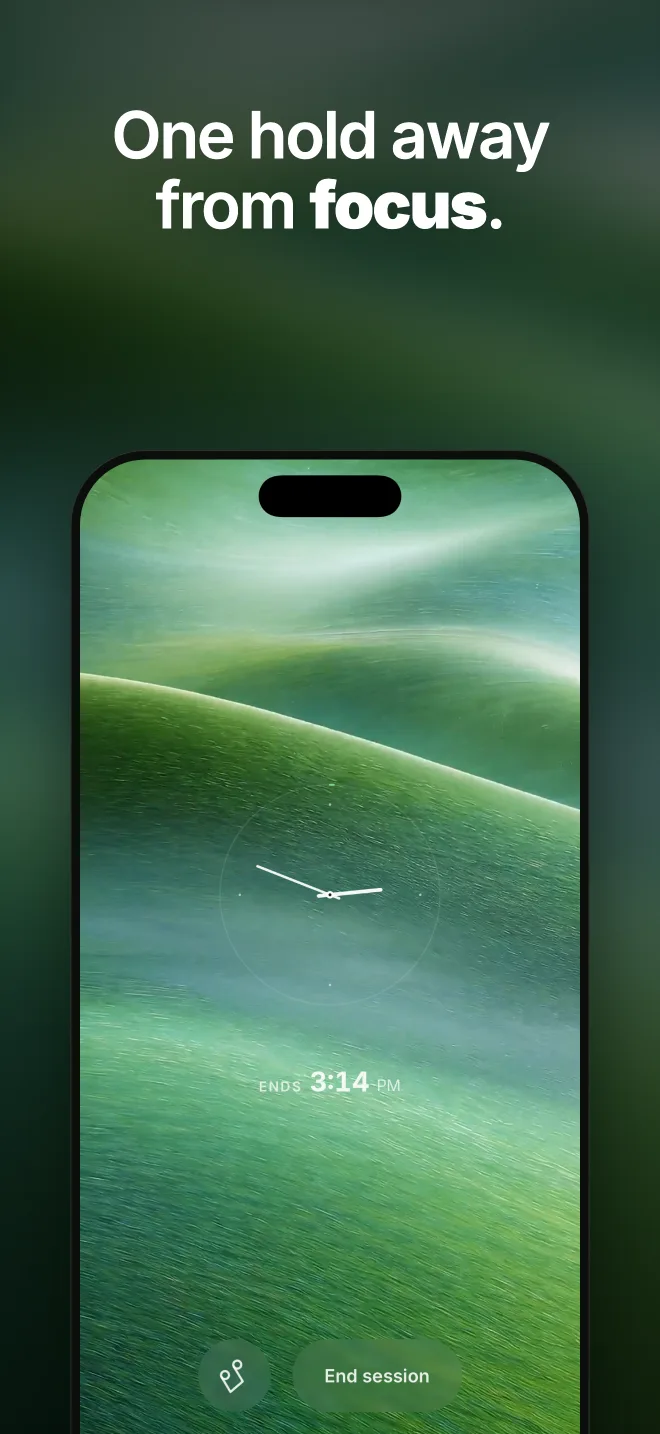
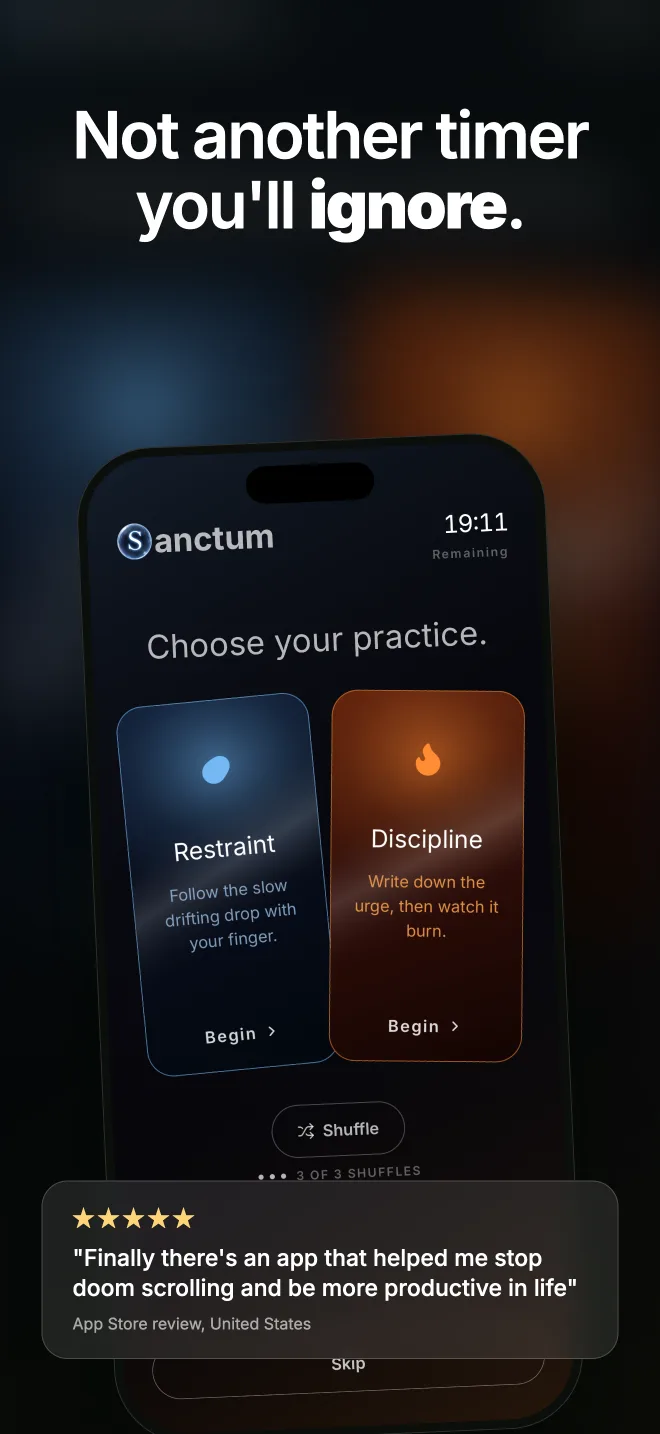
Sanctum blocks the apps that pull you in, at the exact moments they pull. One tap starts a session. Schedules and daily limits keep it going without you.

Quiet mind, open sky.

Free to start. Midnight theme, manual sessions and basic insights cost nothing.

Sanctum home screen, Midnight theme, 5 minute timer ready to begin

Features

Blocking that works the way
your day actually runs.

You open apps without deciding to. That is the loop, not a character flaw. Sanctum interrupts it three ways.

Block on demand

Pick a duration, tap Begin. Your chosen apps go quiet for exactly that long. No setup ceremony before your first session.

Standing schedules

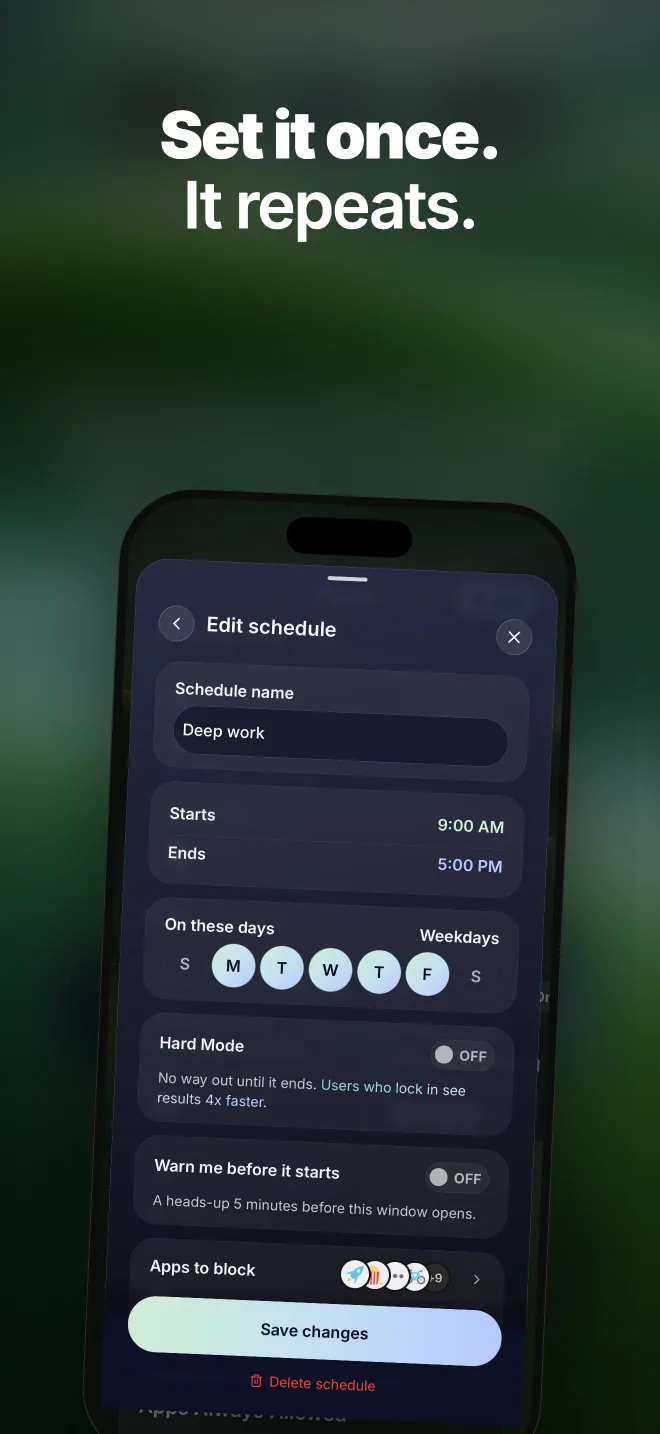
Mornings, work hours, wind-down. Set it once and the shield arms itself on those days, at those times.

Daily limits

Give an app a ceiling. Use it freely until the ceiling is reached, then Sanctum holds the line for the rest of the day.

Active Sanctum session with countdown
A session in progressThe timer runs. The apps wait.
Insights screen with screen time, pickups, notifications and distractions
InsightsScreen time, pickups, notifications, distractions. Numbers, not judgment.
Sanctum home in Sunset theme with a locked session
Locked inA standing schedule holding through the evening.

Block screens

The wall that looks
after you.

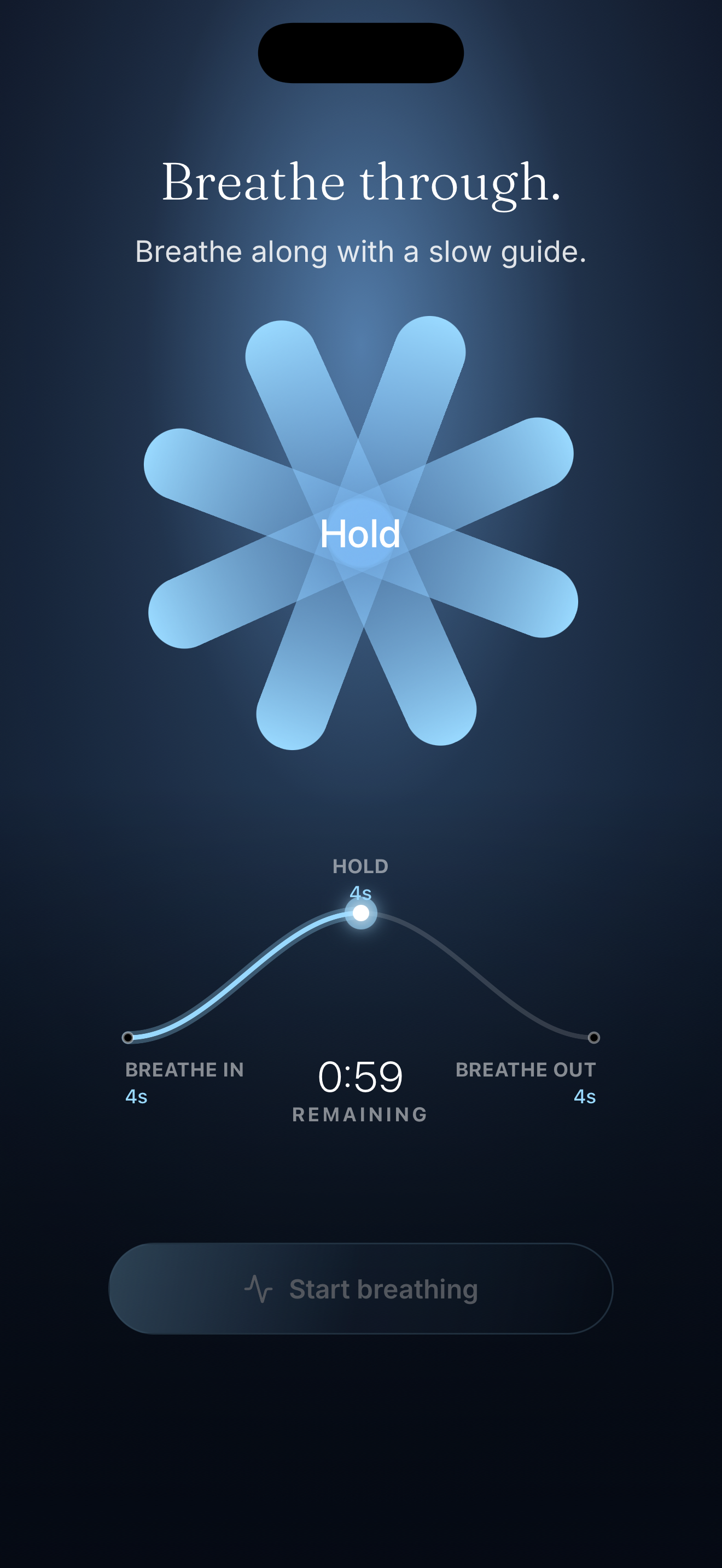
When you reach for a blocked app, Sanctum meets you with a calm screen instead of the feed. A moment of friction, a quiet message, and you are back to your day.

A calm screen, not a scoldNo red alerts, no shame. Just a still, on-brand block screen where the app used to open.
A reminder of whyThe screen shows what you set out to protect, so the pause has a reason and not just a wall.
Puts the phone down for youOne tap returns you to the home screen. The point is to leave the phone, not to sit in another app.

A pause is enough.
Then set it down.

How it works

Three steps. The first one
is the hard part, and it is done.

01

Choose your apps

Pick the ones that take more than they give. Sanctum suggests a starting list so you are not staring at a blank picker.

02

Start a session

One tap for right now, or set a schedule and let it arm itself. Your phone still works. The loop apps do not.

03

Watch the hours return

Insights show what changed: fewer pickups, quieter days, hours back. You will see it within the first week of use.

Immersive themes

Six places to sit.

Every theme is a living, looping world. The whole app re-skins around it: text, glass, buttons. Midnight is free. The rest come with Pro.

Sanctum Midnight theme Free
Midnight
Quiet mind, open sky
Sanctum Nature theme Pro
Nature
Quiet mind, open meadow
Sanctum Ocean theme Pro
Ocean
Slow tide, steady breath
Sanctum Universe theme Pro
Universe
A galaxy of one
Sanctum Serene theme Pro
Serene
Evening blue, settled mind
Sanctum Sunset theme Pro
Sunset
Warm horizon, slow exhale

Pricing

Plain prices. No surprises.

The core blocker is free: Midnight theme, manual sessions, basic insights. Pro unlocks everything below.

Weekly
$4.99 / week
Try it. Cancel anytime.
  • All six themes
  • Unlimited schedules and limits
  • Full insights history
Choose weekly
Best value
Yearly
$59.99 / year
About $5 a month, billed once a year.
  • Everything in weekly
  • The best value by far
  • One decision for the whole year
Choose yearly
Lifetime
$179.99 once
Pay once. Keep it forever.
  • Everything in yearly
  • All future themes and packs
  • Never billed again
Choose lifetime

Prices in USD. Purchases go through the App Store; cancel there in two taps.

FAQ

Fair questions.

Can I just turn the block off when I want the app back?
Ending a session early takes a deliberate pause, not a reflex tap. The friction is the feature: enough to interrupt autopilot, never enough to trap you. Calls and everything you did not block keep working the whole time.
What can Sanctum actually see?
On iOS, app usage is read through Apple's Screen Time framework, which keeps the raw data on your device. Sanctum sees the summaries it needs to show your insights and nothing else.
Do I need Pro for it to work?
No. Manual sessions, the Midnight theme, and basic insights are free. Pro adds the other five themes, unlimited schedules and limits, and full history.
Is this another streak app that makes me feel bad for missing a day?
No. There is no failure state and no red marks. Progress accrues when you show up; it does not get taken away when you do not.
Which devices does Sanctum support?
Sanctum is available for iPhone on the App Store. It uses Apple's Screen Time framework to block apps system-wide.

The hours are still yours.

Notice. Then choose stillness.

Download on the App Store